
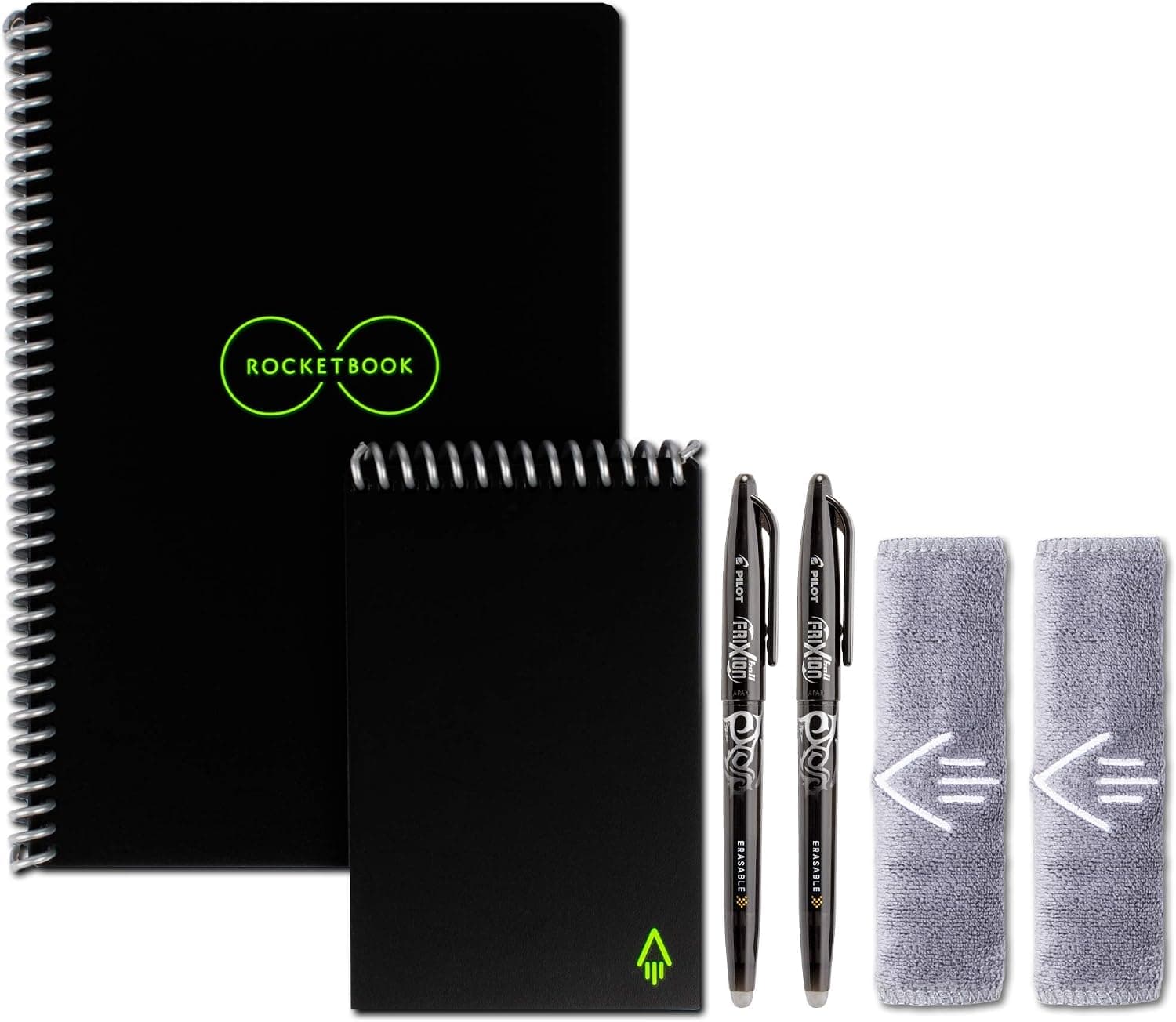

A smart notebook is a paper notebook with a digital afterlife. The page looks like paper, but the act of writing is the first step in a pipeline: scan, transcribe, sync, store. The pitch for a traveler is straightforward. The pile of index cards and loose pages that accumulates in a laptop bag eventually ends up in a drawer, and a notebook that can be erased, rescanned, and re-erased never does.

The category splits into three families. The first — Rocketbook, HOMESTEC — is a reusable thermal-erase pad: write, let it dry, erase with water or heat, and scan before the page resets. The second — the Wacom pen-and-paper tablets — captures each stroke with sensors, so a normal pen works on a normal page. The third — Moleskine's Pen + Ellipse set — replaces the pen itself with a pressure-sensing digital instrument that transcribes handwriting in real time.
Each family answers the same question differently: how much friction can a workflow tolerate between ink on a page and a file in the cloud?
What to look for before the list, four things decide whether a smart notebook fits a workflow.
Size and page count. The two standard sizes are Executive (6 by 8.8 inches) and Letter (8.5 by 11 inches), and page counts range from roughly 30 to 80. A nomad moving between cafés generally wants the Executive size; the Letter version is for a fixed desk. Reusable pads are sold as a book plus blank refills, so page count is a variable, not a limit — what matters is how often the page has to be erased.
How the page erases. This is the part marketing buries. Rocketbook's thermal ink — the Pilot Frixion pens that ship with the book — dries in about 15 seconds and wipes off with a drop of water and a microfiber cloth. HOMESTEC's pages need actual heat: a hair dryer, a microwave, direct sun. That last one is a real trade-off: a notebook left on a sun-drenched café table will erase itself. The sensor-based options (Wacom, Moleskine) use real paper and real ink, so there is nothing to erase at all — the page just turns.
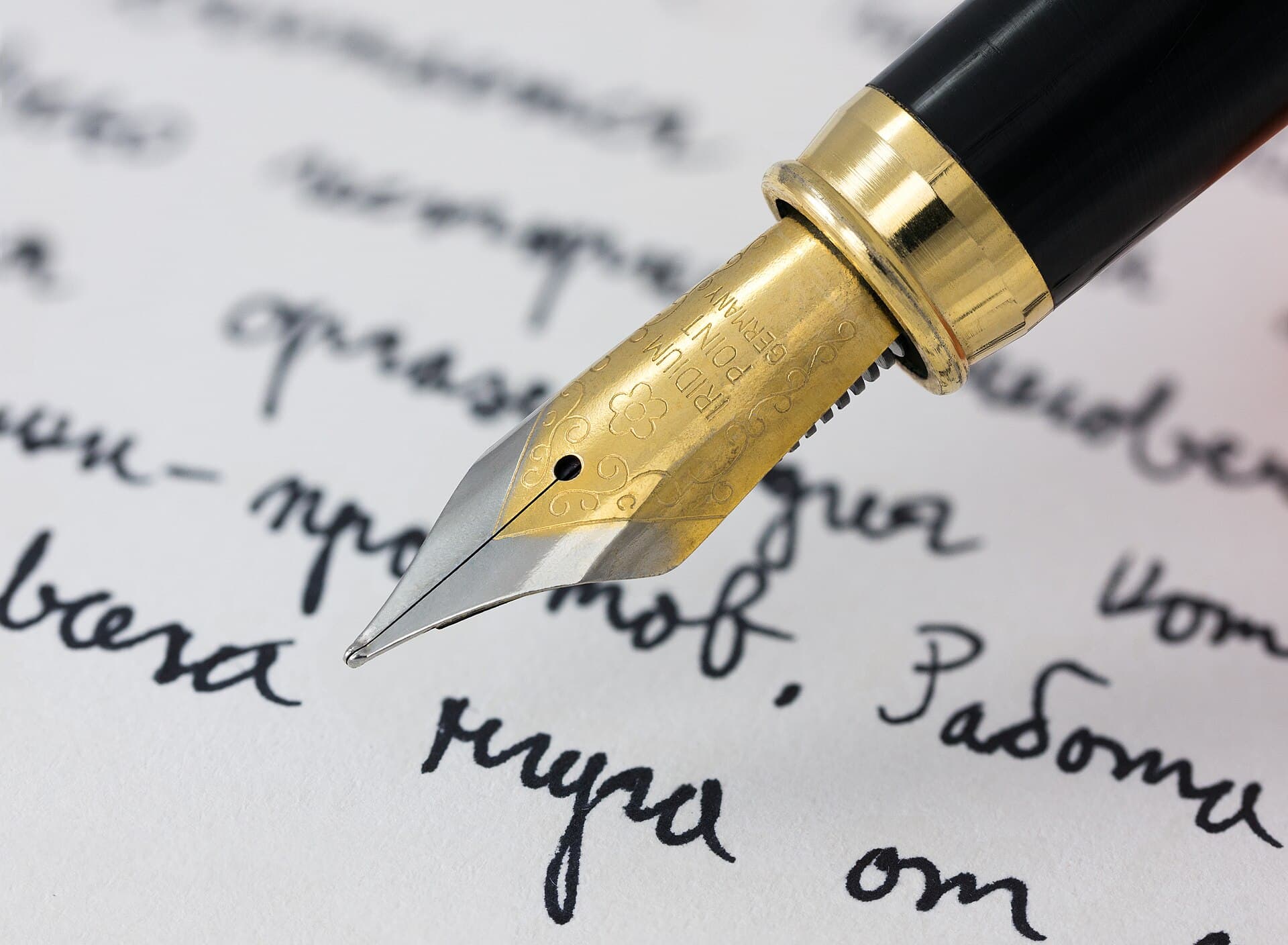
The app is the product. The hardware is the notebook; the app is what scans it and routes the result. Rocketbook's free app (iOS and Android) scans a page and pushes it to Google Drive, Dropbox, Evernote, Box, OneNote, Slack, iCloud, or email, with a destination set per page or globally, and a search that finds notes by title, heading, and subheading. The Wacom Inkspace app converts handwriting to text, exports to JPG, PNG, PDF, and SVG, and searches across thousands of pages; the paid Inkspace Plus tier adds a rich-text editor. Moleskine's app records audio alongside the notes, a feature nothing else on this list ships. The low end, HOMESTEC, ships no app at all: a page gets scanned by a third-party app such as CamScanner or NEWYES Note, both free to start and both gated behind sign-ups and in-app purchases.
One-time cost versus recurring. A reusable pad is a one-time purchase that lasts years. The sensor notebooks and the Moleskine set are one-time hardware purchases too, but the Moleskine's pen alone runs about $230 and costs the same to replace, and its pages are real paper that eventually runs out.
The Rocketbook Smart Reusable Notebook is the default recommendation for this category, and the reason is the app. The bundle on Amazon pairs an Executive book and a Mini book with two Pilot Frixion pens — the same thermal-ink system that runs through Rocketbook's whole line. Write, wait 15 seconds for the ink to dry, erase with a drop of water and a microfiber cloth, and start over; the pages are a synthetic material with a dotted grid that behaves like paper under a pen.
The Rocketbook app is where the product earns its category. Each page is scanned and routed to a chosen destination — Google Drive, Dropbox, Evernote, Box, OneNote, Slack, iCloud, or email — set per page or globally, and the search function finds a note by title, heading, and subheading. The Executive size (6 by 8.8 inches) is the travel size; the 8.5 by 11 letter version is the desk version. The one honest complaint in the user reviews is the dotted grid itself: some handwriting prefers ruled or blank pages, and Rocketbook's grid is non-negotiable on this model.
Pros: the app connects to nearly every storage platform without friction, and the search actually works. Cons: the dotted-grid layout is not for everyone.
The Fusion is the same platform with more page types. It carries the same Frixion thermal system, the same app, the same water-and-cloth erase, but the 42-page book adds a set of planning layouts: a task list, a weekly planner, a monthly calendar, an idea list, dot grid, ruled pages, and an OKR goals template. The book comes in Executive and Letter, and the cover colors on Amazon run to Deep Space Grey, Scarlet Sky, and Neptune Teal.
For a nomad who wants one book that covers the day's logistics and the week's planning, this is the layout. The same caveats as the Smart Reusable apply: thermal ink takes about 15 seconds to dry before it stops smudging, and a handful of users report uneven pages and rough edges out of the box.

Pros: the app integration, the search, and seven distinct page layouts in one book. Cons: some reports of uneven pages and rough edges.
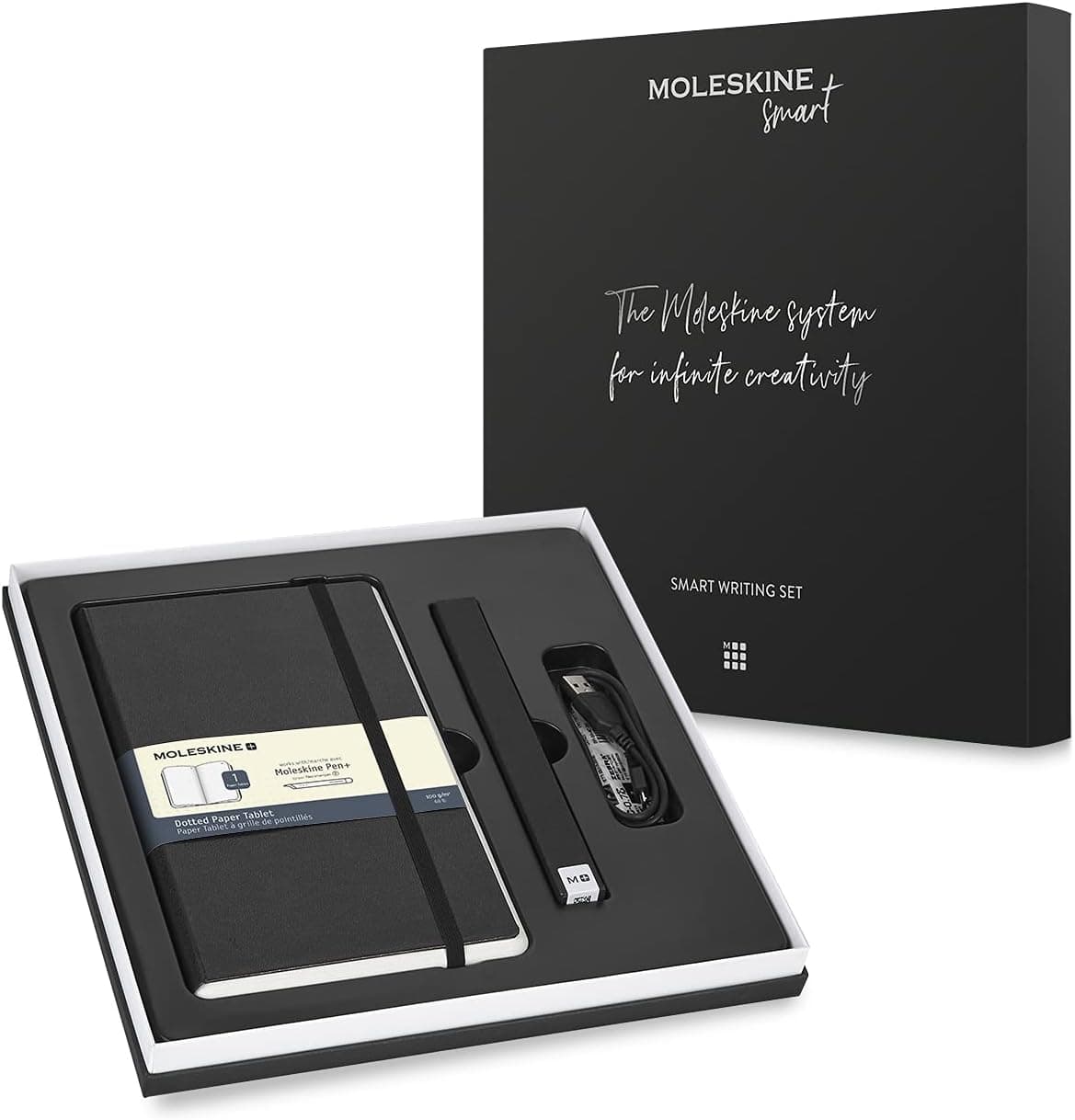
The top of the price list is the one that does not use a camera at all. The Moleskine Pen + Ellipse Smart Writing Set replaces the pen with a pressure-sensing instrument: the notebook's camera and sensors capture each stroke in real time, and the app builds an editable digital copy of every page without a scan step. What the set adds that nothing else on this list has is audio: a meeting's discussion can be recorded and synced to the notes, so the scribbles and the conversation sit together.
The trade-offs are real, and the price shows it. The set — book, pen, and case — runs about $369 on Amazon, and the pen alone costs about the same to replace. The pages are real paper, not a reusable pad, so the book eventually runs out. The pen takes a few sessions to get used to, and the set syncs with Google Drive and Evernote, recognizes 15 languages, and organizes and archives notes by tag, keyword, and title.
For a professional who runs remote meetings, this is the most complete writing instrument on the market. For a casual note-taker, it is a $369 habit.
Pros: instant digitization with no scanning step, a well-reviewed app, and audio recording. Cons: the pen is awkward at first, the book is not reusable, and the pen is expensive to replace.
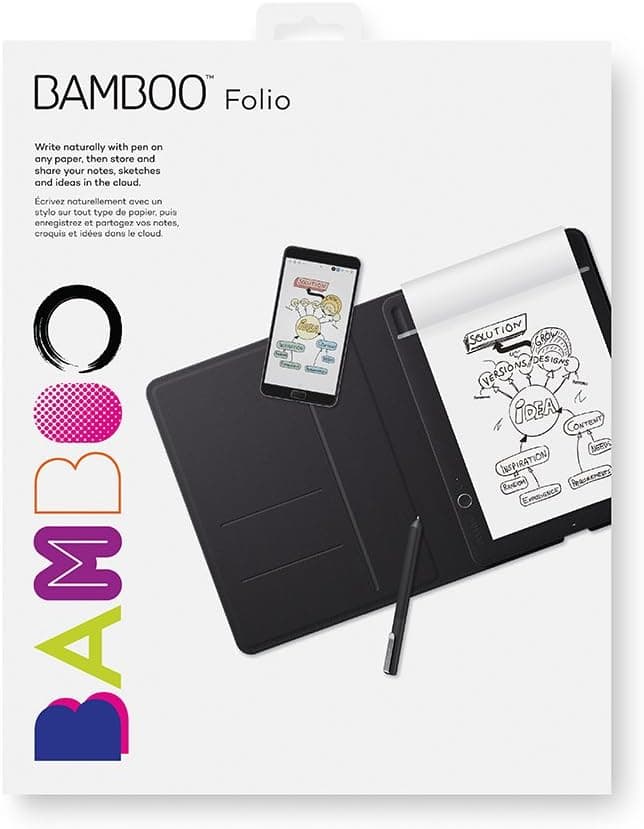
The Wacom side of the category is pen-and-paper capture rather than scanning. The Bamboo Folio Smartpad is a plain pad — no ruling, no grid — and a single button saves a digital copy of the page to a device and to the cloud, using electromagnetic resonance to read what was written as it was written. The free Inkspace app converts the handwriting to text, edits the digitized pages, and exports to JPG, PNG, PDF, or SVG; the paid Inkspace Plus tier adds a rich-text editor, and the built-in search finds a note across thousands of pages by keyword.
The 80 blank pages suit a visual workflow — sketching, wireframing, free-form ideas — better than any ruled product on this list. The caveats sit in the workflow: the pages are real paper and they do not reset, and several users report that syncing to OneNote and Evernote is clunky. Wacom has improved the Inkspace app and the pen's responsiveness since the 2017 launch, but the setup is still the most involved on this list.
The Folio's Amazon US listing was out of stock at the time of writing; the button below still points at the official listing, and this one restocks regularly.
Pros: works with a normal pen on real paper pages, and the export options cover nearly every file format. Cons: not reusable, and OneNote and Evernote sync is reported as clunky.
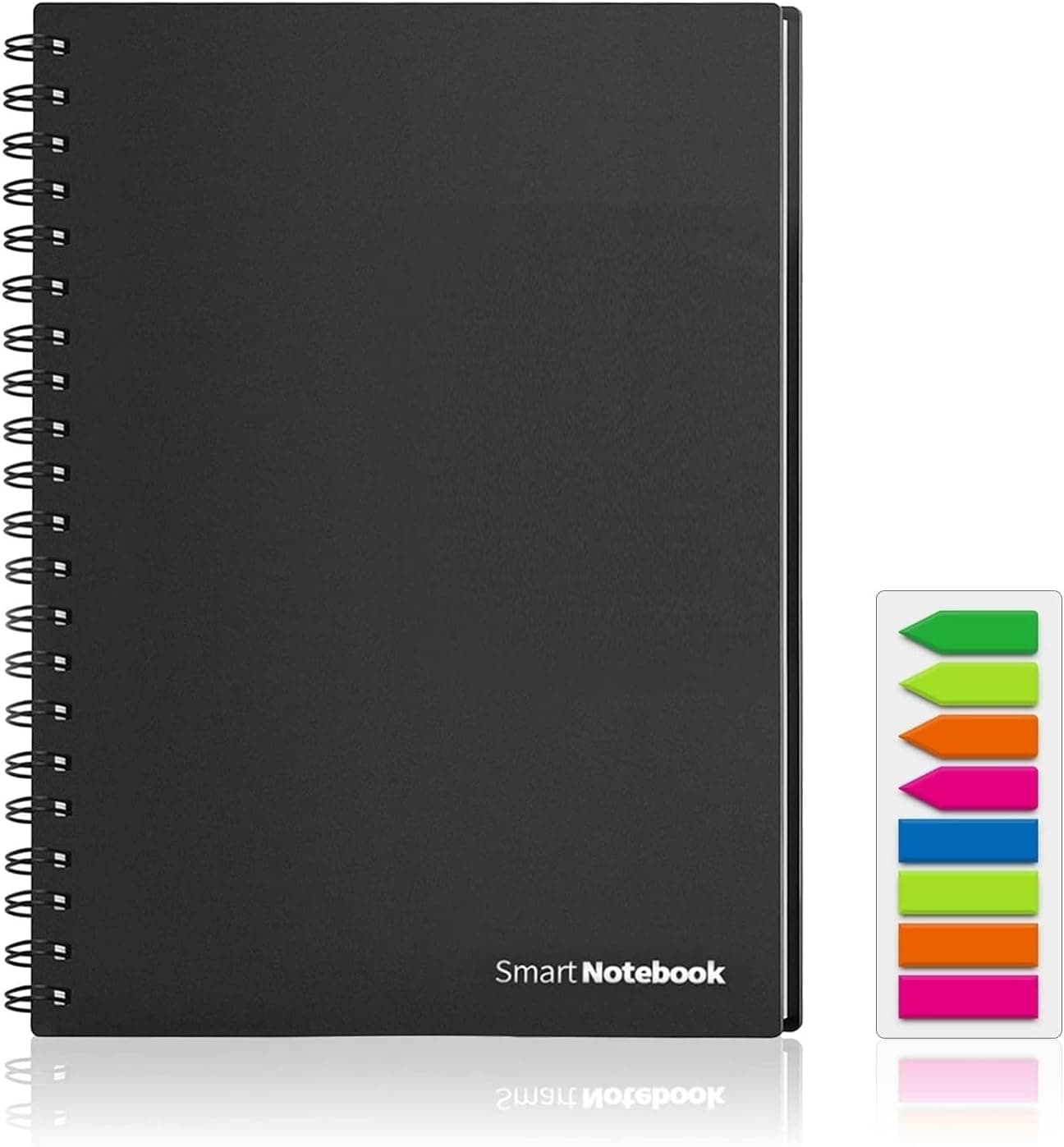
The budget end of the list is the HOMESTEC reusable smart notebook. It is a spiral-bound thermal-erase pad: the ink dries in about 15 seconds and the page resets with heat — a hair dryer, a microwave, direct sun. The pad is rated for about 500 resets, the book ships with 80 lined pages, and the purchase includes a pen and sticky notes. There is no proprietary app; a scanned page goes into CamScanner or NEWYES Note, both free to start and both with in-app purchase gates.
The size on this listing is the smaller of the two: 6.7 by 4.2 inches (the larger 8.7 by 11.2 version is the other listing). As a first foray into a digital notebook, this is the cheapest way in at about $19, and the honest version of it is that it is a fine scanner page, not a system. The heat-erase quirk is real: a pad left in a hot car will reset itself.
The HOMESTEC listing was out of stock on Amazon US at the time of writing; the button below points at the official listing, and restocks are common.
Pros: 80 pages, 500+ resets, any erasable pen works, and it ships with a pen and sticky notes. Cons: some reports of ink residue after erasing, and the heat-erase behavior is a real hazard in direct sun or a hot car.
The Rocketbook Smart Reusable Notebook is the pick of the five: a durable, reusable page, a free app that connects to every major storage platform, and no recurring cost. The Fusion is the same thing with more layouts, the Moleskine set is the most complete instrument for a professional, and the Wacom and HOMESTEC cover the sketching and budget corners of the category. For a nomad, a smart notebook is a one-time purchase that deletes the dead-weight paper pile, as long as the workflow can live with the one rule it imposes: write, scan, and let the page go.
Common questions
What accessories are worth buying?
A spare pen, for whatever model is picked — a lost pen is a dead notebook. A cover is worth it on the Wacom Folio in particular, both for protection and to keep a pen clipped to the book.
Which smart notebook is the best value?
The Rocketbook Smart Reusable bundle is the value pick in the category: an Executive book for long-form notes, a Mini for day-to-day planning, and an app that does the heavy lifting. The budget end works too, but the in-app purchases inside the third-party scanners eat into that advantage.
Why is Rocketbook the favorite?
Because the durable, reusable platform has the best app in the category. The hardware is unremarkable; the software is what keeps the notes from getting lost.
Our picks
Use these notes to compare the job, trade-offs, and current product details. Confirm fit, specifications, and availability with the maker before buying.
- 01Our Favorite
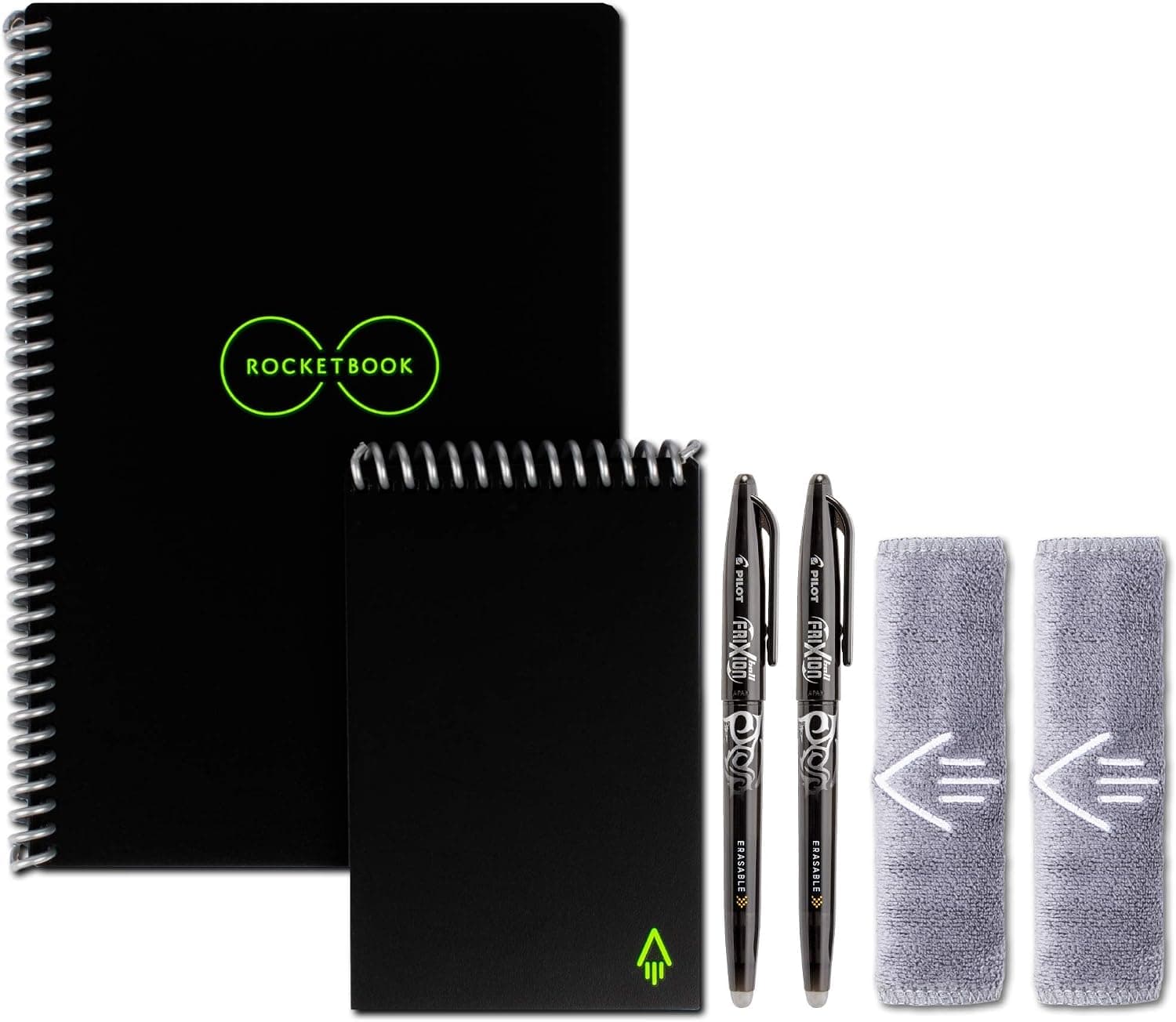
Rocketbook Smart Reusable Notebook
View ProductWhy we like it
- Exec + Mini bundle with two Frixion pens included
- App syncs to Drive, Dropbox, Evernote, Box, OneNote, Slack
- Durable, reusable pages rated for years of resets
Keep in mind
- Dotted-grid layout only
- Thermal ink needs ~15s to dry
- 02Best for Planning
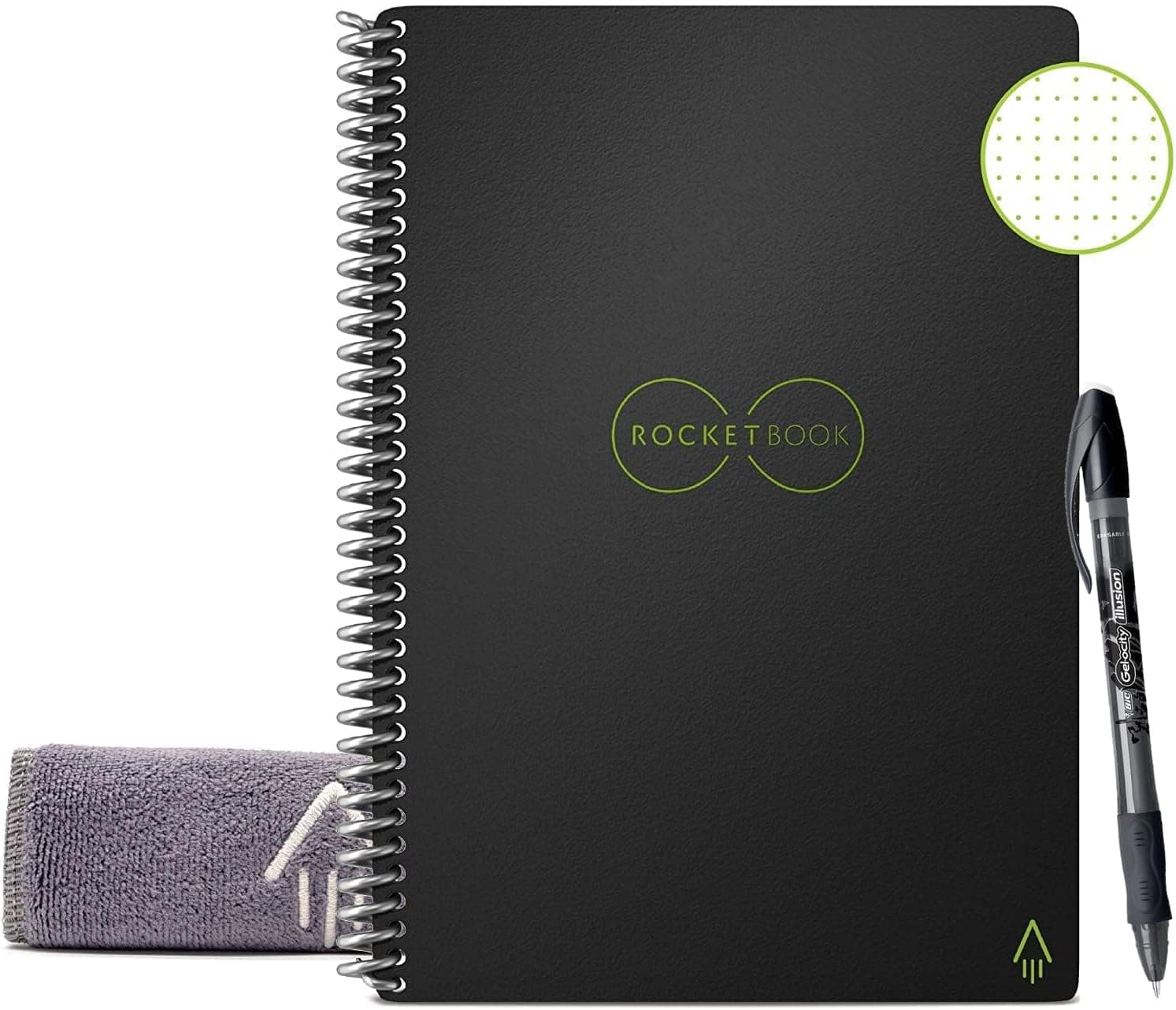
Rocketbook Fusion
View ProductWhy we like it
- Seven page layouts: planner, calendar, OKR, dot grid, ruled
- Same free app, same thermal-erase workflow
- Executive and Letter sizes
Keep in mind
- Uneven pages and rough edges reported by a few users
- 03High-End Pick
Moleskine Pen + Ellipse Smart Writing Set
View ProductWhy we like it
- Real-time transcription — no scan step
- Audio recording synced to the notes
- Syncs to Google Drive and Evernote, 15 languages
Keep in mind
- The pen alone costs about the same to replace
- Not reusable: real paper pages run out
- The pen takes a few sessions to get used to
- 04Mid-Range Pick
Wacom Bamboo Folio Smartpad
View ProductWhy we like it
- Works with a normal pen on real paper pages
- Exports to JPG, PNG, PDF, SVG
- Search across thousands of pages
Keep in mind
- Not reusable
- OneNote and Evernote sync reported as clunky
- 05Budget Pick
HOMESTEC Reusable Smart Notebook
View ProductWhy we like it
- 80 lined pages, 500+ resets
- Ships with a pen and sticky notes
- About $19
Keep in mind
- Ink residue reported by some users after erasing
- Heat-erase: resets in direct sun or a hot car
- No proprietary app — third-party scanners gate their features
Recommended reading
Field guides to pair with the trip you are planning.